

01 Oct Bluetooth Treadmills: 8 Best Picks and How to Connect Them
Shopping for a treadmill bluetooth setup sounds simple until you see the options. Some machines only play music through a speaker. Others pair with apps like Kinomap, Zwift, or iFit, and a few lock those features behind a monthly fee. You want to know which is which before you spend $2,000 or more.
Here is the short answer. The best Bluetooth treadmills use the FTMS standard, which lets the machine talk to almost any fitness app without a subscription. Connecting one takes about two minutes: turn on Bluetooth on your phone or tablet, select the treadmill in your app, and confirm the pairing. Music is a separate step, and we cover that too.
Below you will find 8 Bluetooth treadmills we picked for build quality, console features, app compatibility, and warranty. At 3G Cardio, we build treadmills with FreeSync FTMS consoles, so we know what separates real connectivity from marketing. After the list, you get step-by-step pairing instructions for music and fitness apps, plus fixes for common connection problems.
1. 3G Cardio Elite Runner X
Our Elite Runner X is the treadmill we point to when someone asks what a good treadmill bluetooth console should do. It is built for people who want commercial-grade construction at home and would rather pick their own apps than pay for a locked-in platform. You can see the full lineup on the 3G Cardio site.
Bluetooth and app features
Its console runs FreeSync FTMS Bluetooth, the open fitness machine standard. Your phone or tablet connects directly, and apps like Kinomap can read your speed and incline. Our "Bring Your Own Screen" approach means any compatible app works on a device you already own, with no subscription tied to the treadmill.
Pairing takes about a minute. Open your app, pick the treadmill from the list of Bluetooth devices, and start walking. The console also reads the included wireless heart rate strap, so you get live heart rate without buying an accessory. FTMS carries workout data, not audio, so you play music from your phone speaker or your own headphones.
FTMS means the treadmill works with your apps, not the other way around.
Who it’s best for
Think of this machine as the pick for serious home runners and walkers who already know what they like. It suits gym-goers moving their routine home, households where several people share one treadmill, and anyone who is tired of paying monthly for features the hardware should include. Small studios and facilities can also look at it, since a commercial warranty option exists.
Price and warranty
Pricing across our cardio line runs from $1,999 to $4,699, so check the product page for the current Elite Runner X price. The residential warranty is one of the strongest at this level:
| Coverage | Residential term |
|---|---|
| Frame | Lifetime |
| Parts | 7 years |
| Labor | 1 year |
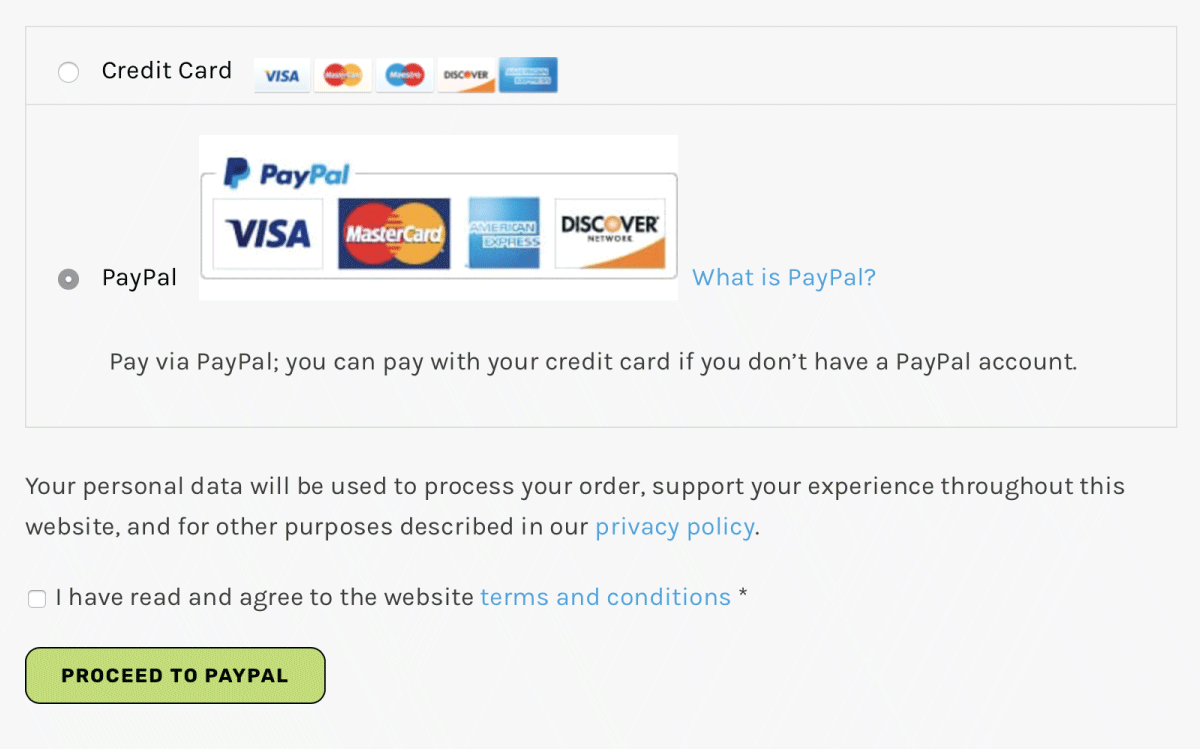
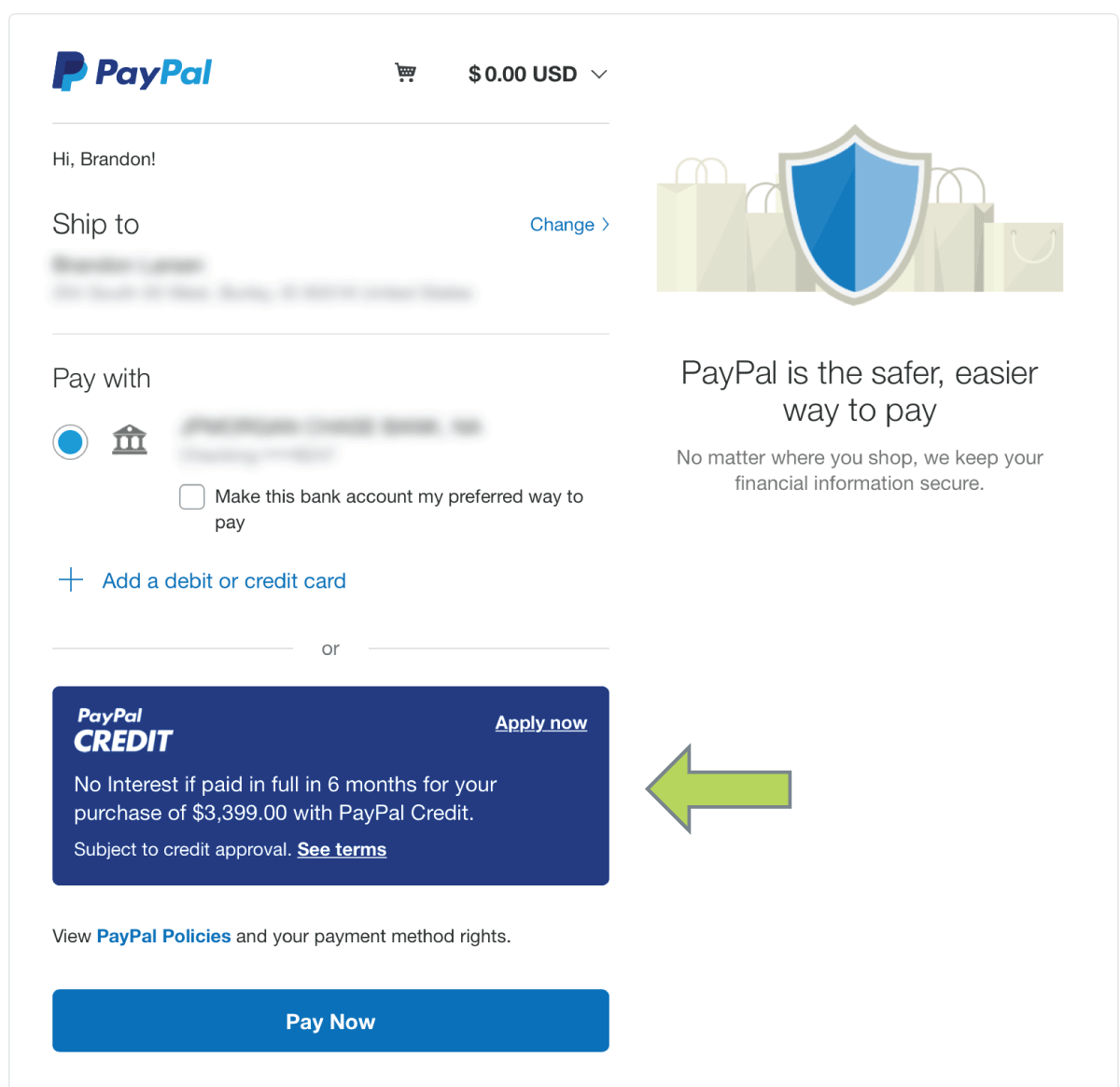
Buying direct also brings 6 months 0% financing through PayPal Credit, free curbside delivery or White Glove delivery and installation, and a price match guarantee for 6 months after purchase.
Drawbacks to know
Every machine involves trade-offs, and you should know these before you order:
- There is no built-in streaming screen or on-demand class library. You supply the tablet and the app.
- It costs more than entry-level treadmills, because you are paying for commercial-grade construction.
- A heavy, solidly built treadmill needs floor space and a clear delivery path, so measure first.
2. 3G Cardio Pro Runner X
The Pro Runner X is our second treadmill, and it follows the same simple by design philosophy as the Elite Runner X. You get solid parts and a console that works with your apps, not a screen that sells you a monthly plan. Compare the two side by side before you decide.
Bluetooth and app features
Connectivity works like it does on the rest of our line. The console uses FreeSync FTMS Bluetooth, so your phone or tablet pairs directly and apps like Kinomap can read your speed and incline. Because of our "Bring Your Own Screen" approach, you pick the app and the device.
Heart rate tracking is built in, and a wireless strap is included. Audio is separate, since FTMS carries workout data only. Play music through your phone speaker or your own headphones.
A good treadmill bluetooth console works with the apps you already use.
Who it’s best for
Choose this treadmill if you want a no-subscription machine for daily walking, running, or interval work. It fits people who already own a tablet and would rather spend on the hardware than on a class library.
It also suits shared households. Everyone can pair their own phone and app, so nobody needs a separate account tied to the treadmill.
Price and warranty
Our cardio line runs from $1,999 to $4,699, so check the product page for the current Pro Runner X price. Residential coverage is lifetime frame, 7-year parts, and 1-year labor. Buying direct adds a few more protections:
- 6 months 0% financing through PayPal Credit
- Free curbside delivery, or White Glove delivery and installation
- A price match guarantee for 6 months after purchase
Drawbacks to know
This is not the right fit for everyone. Keep these points in mind:
- It has no built-in streaming screen or on-demand classes, so you need your own tablet and app.
- Check the spec sheets for both Runner X models. The differences in motor, deck, and console details matter more than the name.
- It is a heavy, commercial-grade machine, so measure your space and delivery path first.
3. NordicTrack Commercial 1750
The Commercial 1750 is NordicTrack’s best-known treadmill. It pairs a large touchscreen with the iFIT platform, and it is a capable machine. The connectivity is just more closed than what you get from an FTMS-first console.
Bluetooth and app features
Bluetooth here covers wireless headphones and heart rate monitors. The touchscreen runs iFIT classes, and the trainer can change your speed and incline automatically. That hands-free control is the main reason people buy it.
Outside iFIT, things are less certain. The console is built around NordicTrack’s own platform, so do not assume FTMS support for apps like Kinomap or Zwift. Ask NordicTrack support before you order if third-party apps matter to you.
A Bluetooth treadmill is only as open as the apps it lets you use.
Who it’s best for
This one suits runners who want guided classes and enjoy following a trainer on screen. If you like a built-in display and do not mind a membership, it delivers a polished experience. It is a weaker match if you already have a favorite app.
Price and warranty
Expect a list price around $2,000 to $2,500, though NordicTrack discounts often. Verify current pricing and terms on its site. Warranty coverage has historically looked like this:
| Coverage | Typical term |
|---|---|
| Frame | 10 years |
| Motor | 10 years |
| Parts | 2 years |
| Labor | 1 year |
Plan for the iFIT membership, which has run roughly $39 a month. Without it, the screen loses most of its value.
Drawbacks to know
These are the trade-offs to weigh:
- The ongoing subscription cost adds up to several hundred dollars a year.
- Third-party app support is limited compared with an open FTMS console.
- The large screen and platform add electronics that can age faster than the frame.
4. ProForm Pro 2000
ProForm is a sister brand to NordicTrack, and the Pro 2000 is its lower-priced answer to the Commercial 1750. You get a large touchscreen and the same iFIT ecosystem for less money up front.
Bluetooth and app features
Bluetooth here connects wireless headphones and heart rate monitors. The touchscreen runs iFIT, and trainer-led classes can adjust your speed and incline automatically.
Outside iFIT, expect limits. ProForm does not advertise open FTMS support, so confirm third-party app compatibility with support before you buy if you want Kinomap or Zwift. Ask that question about any treadmill bluetooth feature list.
Bluetooth on a treadmill means little until you know which apps it supports.
Who it’s best for
Shoppers who want guided classes on a built-in screen without paying top-tier prices will like it. It suits beginners and casual runners who will actually follow iFIT workouts.
Skip it if you already pay for another app. It is also a poor match for anyone who wants a no-subscription treadmill.
Price and warranty
Street pricing has often landed around $1,300 to $1,800, with frequent sales. Check ProForm’s site for current numbers. Warranty terms have typically looked like this:
| Coverage | Typical term |
|---|---|
| Frame | 10 years |
| Motor | 10 years |
| Parts | 2 years |
| Labor | 1 year |
Budget for the iFIT membership too, which has run roughly $39 a month. Terms change, so verify before you buy.
Drawbacks to know
Weigh these trade-offs before you order:
- The subscription cost erases much of the lower sticker price within a couple of years.
- Third-party app support is unclear, so you may be tied to iFIT.
- The shorter parts and labor coverage leaves you exposed on screen and console repairs.
5. Horizon 7.4 AT
The Horizon 7.4 AT is a mid-priced treadmill known for a solid deck and a simple console. Horizon sells it as a machine you can use without a mandatory subscription, which sets it apart from the iFIT models above.
Bluetooth and app features
The console streams Bluetooth audio to its built-in speakers and pairs with Horizon’s Viewfit app for workout tracking. Horizon also lists support for third-party apps like Kinomap and Zwift. Even so, confirm current FTMS support with Horizon before you buy, because app lists change.
Heart rate works through the hand grips or a compatible chest strap. That makes it a practical treadmill bluetooth option if you want speakers on the console and the freedom to pick your own app.
Ask which apps a treadmill supports, not whether it has Bluetooth.
Who it’s best for
This treadmill suits walkers and runners who want a middle path. You get speakers and app pairing without a locked-in class platform, and without paying top-tier prices.
It also works for households that want a durable machine for daily use. If you prefer a large built-in streaming screen, look at the NordicTrack or Peloton instead.
Price and warranty
List price has typically sat near $2,000, with regular sales that bring it lower. Check Horizon’s site for current numbers. Warranty terms have generally looked like this:
| Coverage | Typical term |
|---|---|
| Frame | Lifetime |
| Motor | Lifetime |
| Parts | 3 years |
| Labor | 1 year |
Terms vary by retailer and model year, so verify the warranty before checkout. Unlike the iFIT models, there is no required monthly fee to use the core features.
Drawbacks to know
Keep these trade-offs in mind:
- The console is less polished than a full touchscreen, and the Viewfit app is more basic than iFIT.
- Third-party app support depends on the current firmware and app, so test pairing during your return window.
- Labor coverage is only 1 year, which is shorter than the frame and motor terms.
- The machine is heavy and needs a clear delivery path.
6. Sole F80
The Sole F80 has earned its reputation by pairing a sturdy frame with a simple, speaker-equipped console. It sits between the closed iFIT models and a fully open FTMS machine, with trade-offs on both sides.
Bluetooth and app features
The console streams Bluetooth audio to built-in speakers, so you can play music straight from your phone. It also works with Sole’s own app for workout tracking. Sole has listed support for third-party apps like Zwift and Kinomap, but confirm current FTMS support for your model year before you buy. Any treadmill bluetooth spec can change between versions.
Heart rate works through the grips or a compatible wireless chest strap. Some versions add a touchscreen with streaming apps, so check which console you are getting.
Two F80s from different years can have different connectivity, so verify the version you are buying.
Who it’s best for
Runners who want a durable, heavy-duty machine will get the most from it. It suits households that care more about the deck and motor than a flashy screen. It also fits shoppers who want speakers and app tracking without a mandatory class membership.
Price and warranty
Prices have typically landed between $2,000 and $2,800, and Sole runs frequent sales. Check its site for current numbers. Warranty terms have generally looked like this:
| Coverage | Typical term |
|---|---|
| Frame | Lifetime |
| Motor | Lifetime |
| Deck | 5 years |
| Parts and electronics | 2 years |
| Labor | 1 year |
Terms vary by retailer and model year, so verify the warranty at checkout.
Drawbacks to know
Weigh these points before you order:
- Third-party app support is not as clearly documented as on an FTMS-first console.
- The shorter parts and labor coverage leaves electronics repairs on you after two years.
- It is a heavy machine, so measure your space and delivery path first.
7. Bowflex Treadmill 22
The Treadmill 22 is Bowflex’s flagship, built around a 22-inch HD touchscreen and the JRNY platform. It competes with the NordicTrack for shoppers who want a big display and guided workouts on the same machine.
Bluetooth and app features
Bluetooth connects wireless headphones and heart rate monitors. The touchscreen runs JRNY, which can adjust your speed and incline to match a workout. It also streams video apps over Wi-Fi while you walk.
Open app support is the open question. Bowflex does not prominently advertise FTMS, so confirm third-party compatibility with Kinomap or Zwift before you order. Treat any treadmill bluetooth listing without a clear FTMS claim as headphones-only until support says otherwise.
If a brand does not state FTMS support, assume the Bluetooth is for audio and heart rate only.
Who it’s best for
Buyers who want a large built-in screen and guided classes will like it. It suits people who get bored on a treadmill and need video or a trainer to keep moving. It is a weaker fit if you already pay for another app or want a no-subscription setup.
Price and warranty
List price has been near $3,000, though sales often bring it to roughly $2,000 to $2,500. JRNY has run about $20 a month or $149 a year, so budget for the membership. Warranty terms have typically looked like this:
| Coverage | Typical term |
|---|---|
| Frame | 15 years |
| Motor | 15 years |
| Parts | 2 years |
| Labor | 1 year |
Bowflex changed ownership in 2024, so verify current terms and service coverage before checkout.
Drawbacks to know
Weigh these trade-offs:
- The JRNY subscription adds a yearly cost, and the screen loses much of its value without it.
- Third-party app support is unclear, so you may be tied to Bowflex’s platform.
- Parts coverage ends after 2 years, which leaves screen and console repairs on you after that.
- It is a large, heavy machine, so measure your space and delivery path first.
8. Peloton Tread
The Peloton Tread is the most closed machine on this list, and also one of the most polished for instructor-led classes. It is built for people who want the Peloton experience on a treadmill, not for people who want to choose their own apps.
Bluetooth and app features
Bluetooth connects wireless headphones and heart rate monitors. The 23.8-inch touchscreen runs Peloton’s own software, and instructors suggest speed and incline ranges that you set with the controls.
Third-party apps are the weak spot. Peloton does not advertise open FTMS, so do not expect Kinomap or Zwift to control the belt. Treat any treadmill bluetooth listing without a clear FTMS claim as a headphones and heart rate machine.
The Peloton Tread is a Peloton machine first and a Bluetooth treadmill second.
Who it’s best for
Pick it if you are motivated by live and on-demand classes and like following a trainer. It suits runners who already love the Peloton community and want the same style of workout on a belt.
Skip it if you already pay for another app. It is also a poor match for anyone who wants a no-subscription treadmill.
Price and warranty
List price has typically run between $2,500 and $3,000, plus delivery and setup fees. The All-Access Membership has run roughly $44 to $50 a month, and the screen is far less useful without it. Warranty terms have generally looked like this:
| Coverage | Typical term |
|---|---|
| Frame | 5 years |
| Touchscreen, parts, and labor | 12 months |
Peloton changes pricing and terms often, so verify current numbers before you order.
Drawbacks to know
Weigh these trade-offs:
- The monthly membership adds well over $500 a year.
- Third-party app support is limited, so you are tied to Peloton’s platform.
- Parts and labor coverage lasts only a year, which leaves screen repairs on you afterward.
- The belt is a slatted design that some runners find different from a standard deck.
9. What Bluetooth does on a treadmill: audio vs. FTMS
Not every treadmill bluetooth label means the same thing. Two different features sit behind it, and confusing them is the most common reason buyers end up with a machine that can’t run their favorite app.
Bluetooth audio and heart rate
Audio Bluetooth works like any speaker or headphone connection. Your phone streams music to the console’s built-in speakers, or the treadmill sends sound to your wireless headphones. It carries sound and nothing else.
Heart rate straps use a separate Bluetooth profile. They send beats per minute to the console, which shows the number on screen. Neither feature lets an app change your speed or incline.
FTMS for fitness apps
FTMS, short for Fitness Machine Service, is an open Bluetooth standard for workout data. The treadmill reports speed, incline, and distance to your app. A supporting app can also set the belt speed and incline for you, which is how route-based apps like Kinomap and Zwift can drive the machine.
Audio Bluetooth plays your music. FTMS lets your apps drive the treadmill.
| Audio Bluetooth | FTMS | |
|---|---|---|
| What it carries | Music and sound | Workout data and speed/incline control |
| Works with | Speakers, headphones | Fitness apps like Kinomap |
| Example here | Console speakers on the Horizon 7.4 AT and Sole F80 | 3G Cardio Elite and Pro Runner X |
| Needs a subscription | No | Depends on the app, not the treadmill |
Shopping comes down to one habit. A spec sheet that says only "Bluetooth" tells you almost nothing, so look for FTMS by name and ask support if it is missing. We cover the full pre-purchase checklist below.
10. How to connect your treadmill to Bluetooth
Pairing is quick once you know which connection you are making. Music and fitness apps use separate pairings, so set them up one at a time and test each before you start a workout.
Connect for music
Start with audio, since it is the simpler job. Your phone sends sound to the console speakers, or the treadmill sends it to your wireless headphones, depending on the model.
- Turn on Bluetooth on your phone.
- Put the console in pairing mode. Look for a Bluetooth button or a menu in the settings.
- Select the treadmill name in your phone’s Bluetooth list.
- Play a song and adjust the volume on both the phone and the console.
Connect to a fitness app
Fitness apps pair inside the app, not in your phone’s system settings. That detail trips up many people, because an FTMS treadmill often never appears in the phone’s own list. Open the app first, then search for equipment from there, and keep the console awake and powered on while you scan.
Pair music in your phone settings, but pair fitness apps inside the app.
- Turn on the treadmill and wake the console.
- Open your app, such as Kinomap, and find the sensors or equipment menu.
- Choose the treadmill listed by model name or as FTMS.
- Start the workout. Speed and incline should appear within a few seconds.
Fix common connection problems
Most failures come down to one connection at a time. A treadmill with FTMS usually talks to a single app, so a second phone or tablet can block the first. If a pairing fails, close other apps and restart the console before you try again.
| Problem | Fix |
|---|---|
| Treadmill not listed | Close other apps or devices connected to it, then restart the console |
| Connects but no speed control | Check that the app allows machine control and that the treadmill supports FTMS |
| Drops mid-workout | Move the phone closer, charge it, and update the app |
| Music cuts out | Forget the device in Bluetooth settings and pair it again |
11. What to check before you buy
Spec sheets make every treadmill bluetooth console sound alike. A short checklist before you order keeps you from a return later, and it comes down to three checks: FTMS support, total cost, and service terms.
Confirm FTMS support in writing
Ask each brand whether the console supports FTMS by name, and get the answer in writing by email or chat. Plenty of listings say "Bluetooth enabled" for machines that only handle headphones and heart rate straps. Also ask whether an app can control speed and incline, not just read your data.
If a brand will not say "FTMS" in writing, plan on audio and heart rate only.
Bring these questions to support:
- Does the console support FTMS?
- Can third-party apps set speed and incline?
- Is the app I use confirmed to work, and on which model year?
- Do the core features work without a membership?
Add up the real cost
Subscriptions turn a sticker price into a running cost. Using the rough figures from the picks above, a required membership adds real money over time, so compare the total cost of ownership instead of the list price.
| Platform | Approximate fee | Three-year cost |
|---|---|---|
| iFIT (NordicTrack, ProForm) | $39 a month | About $1,400 |
| JRNY (Bowflex) | $149 a year | About $450 |
| Peloton All-Access | $44 a month | About $1,580 |
| FTMS console, your own app | None for the treadmill | Depends on the app you choose |
Check warranty, delivery, and returns
Warranty terms deserve a close read. Frames usually carry the longest coverage, but consoles and electronics tend to fail first, so compare parts and labor terms, not just the frame. Then look at logistics: measure your doorways, ask whether setup is included, and confirm a return window long enough to test pairing with your own apps.
Choosing the right Bluetooth treadmill
The best treadmill bluetooth setup comes down to one question: does the console speak FTMS, or does it only play audio? Audio and heart rate support are easy to find. Open app control is not, and some machines tie it to a monthly membership that adds hundreds of dollars a year.
Before you buy, get FTMS support confirmed in writing, add up the three-year cost, and read the parts and labor terms. Then test pairing with your own apps during the return window. Do those things and the right machine becomes obvious. If you want a treadmill that works with the apps you already use and charges no fees, see our FreeSync FTMS Bluetooth machines and pick the one that fits your space.

No Comments